Tutorial 01 — Issue a licence, verify it in your binary
Objectif — produce a signed licence file and run a Go binary that accepts it. Concepts — Ed25519 signature · issuer key ·
license.VerifyAttendu — the client prints[ok] licence verifiedwith the subject; flipping any byte of the PEM makes it exit 1.
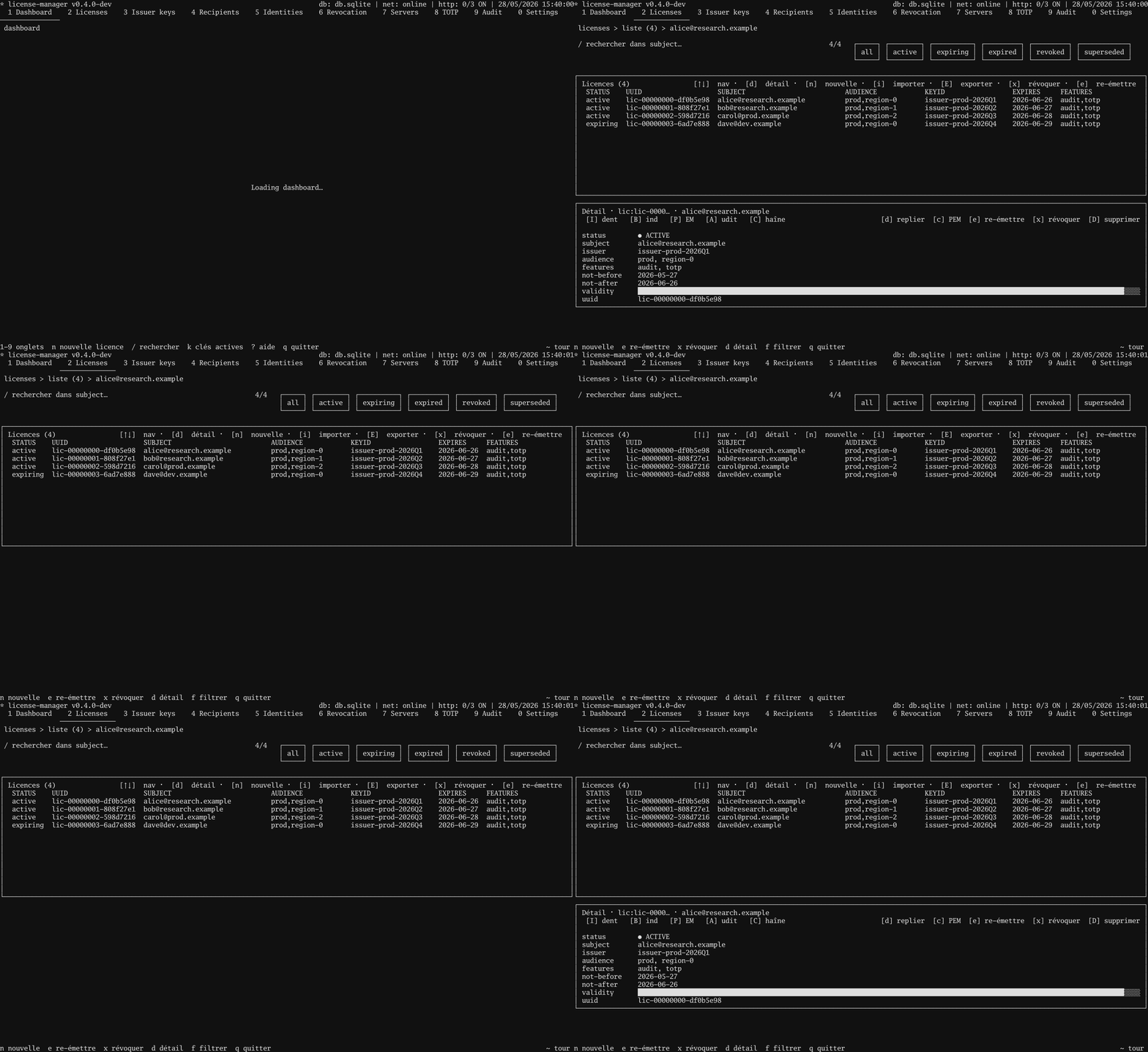
In the TUI
2→ Licences screen.n→ open the wizard.- Press
Enterthrough every step (the defaults are fine for this tutorial — no bindings, 1-year validity). - On the last step,
Enteragain to sign. - Cursor lands on the new row. Press
E→ type/tmp/alice.license→Enter. 3→ Issuer keys screen → pressEon the active issuer → type/tmp/issuer.pub→Enter.
You now have two files: the licence PEM and the issuer's public key.
In your program
package main

import (
    "log"
    "os"

    license "github.com/oioio-space/maldev/license"
)

func main() {
    licPEM, _ := os.ReadFile("/tmp/alice.license")
    pubPEM, _ := os.ReadFile("/tmp/issuer.pub")

    pub, kid, _ := license.ParsePublicKey(pubPEM)
    trusted := license.Trusted{Keys: license.SingleKey(kid, pub)}

    v, err := license.Verify(licPEM, trusted)
    if err != nil {
        log.Fatalf("license check failed: %v", err)
    }
    log.Printf("running for %s (expires %s)", v.Subject, v.NotAfter)
}
That's it. The runnable version is
examples/.../client/main.go,
adds flag parsing.
Test it together
go test ./examples/license-manager/tutorials/01-issue-and-verify
Renders the TUI tape AND runs the client against a real licence.